Hello my name is Pui, I am a web developer based in London.
jQuery - Google map embed issue - map only partially loading in IE8
4 April 2014
Problem:
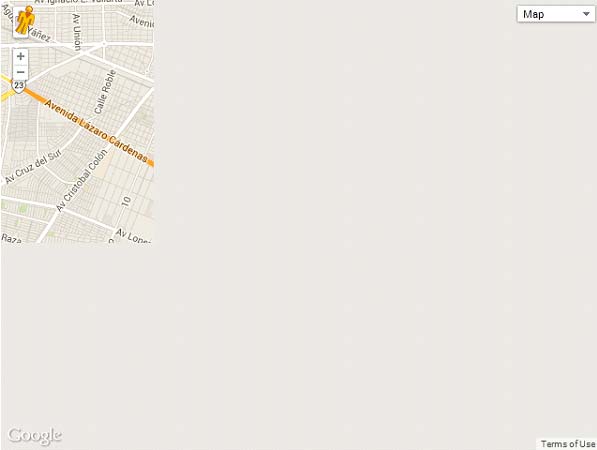
I have a map that opens up inside a lightbox. The map is only loading/displaying partially in IE8 as so:
Solution:
We need to call the html for the iframe once more when the lightbox opens.
Why?
The reason for this is when the page first loads the map tiles loads in a certain position. When the lightbox opens and the map is displayed the positioning of the tiles is incorrect.
Code
HTML
<div class="map_outer"> <!--place iframe html here!--> </div>
JS
if(ser.msie && parseInt($.browser.version, 10) == 8) { //Only run in ie8 $('.map_outer').css('display','none'); //hide the div on load $('.open-popup-link').click(function(){ //grab the html already inside the div var iframeHtml = $('.map_outer').html(); //reload html of iframe into that div $(' .map_outer').html(iframeHtml).css('display','block'); }); }
So what we are doing is adding an outer div to the iframe and hiding this in JS. This can be hidden in CSS but we are only wanting this solution to apply to the IE8 browser as it only doesn’t work here. No point adding more load to the other browsers that work fine!
Once we do that, in jQuery we have written a click function that runs when the lightbox is clicked. It takes the iframe html inside ‘.map_outer’ and applies it again in that div. In essence, it is reloading the iframe again.