Hello my name is Pui, I am a web developer based in London.
jQuery - Opening lightbox contents from external URL
9 April 2014
This solution can apply to many a situation but for here this was the problem.
Problem:
I want to type in a URL and on page load a particular lightbox content will automatically be active.
Solution:
HTML:
<a href="javascript:void(0)" id="cat-and-fiddle">Link to open lightbox</a>
JS:
var url = document.location.href; //if id of element is in the URL than click it if(url.search(/\#cat-and-fiddle/i) !== -1){ $("#cat-and-fiddle").click(); }
We use an anchor ID in the tag to open the lightbox. When this id is detected in the URL we use jQuery to click on the relevant button to open the lightbox on load.
So typing this into the browser, www.siteurl.co.uk/page#cat-and-fiddle, will load the following, making active this particular lightbox:
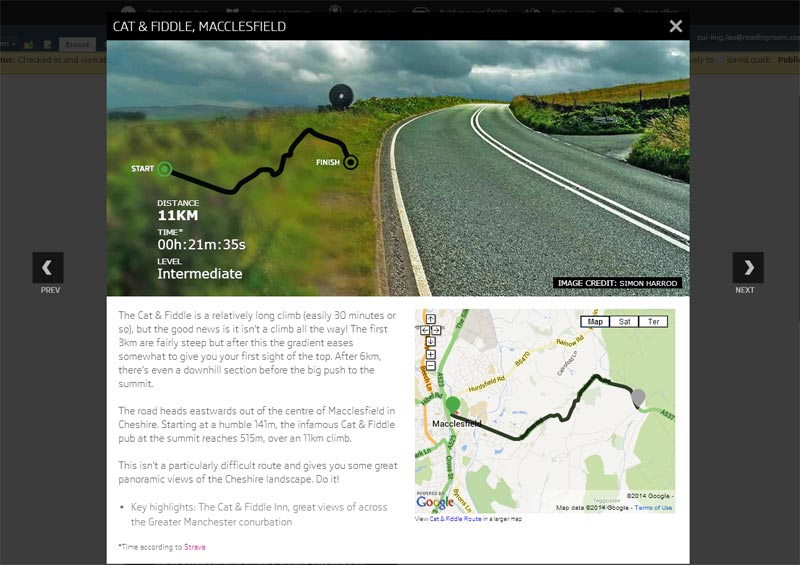
Lightbox to load in External URL
/figcaption>/figcaption>